Summary
Use VirtualText on mobile — conversations, contacts, canned responses, and account settings from your phone.
On both Apple and Android devices, the instillation of the application will be the same, and the layout/abilities when logged in are the same as on web. Please refer to our guide below for you to download, and our other guides for how to operate your account.
How to download App
On your phone, type in use.virtualtext.app into your browser. Upon signed in, you will see a request to ‘Install VirtualText’. When confirmed, the app will begin to download
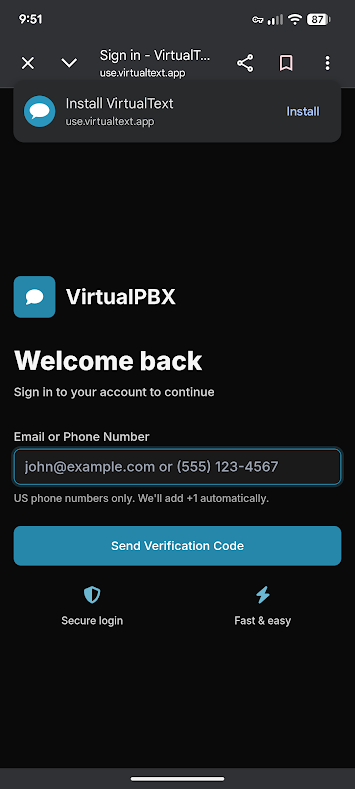
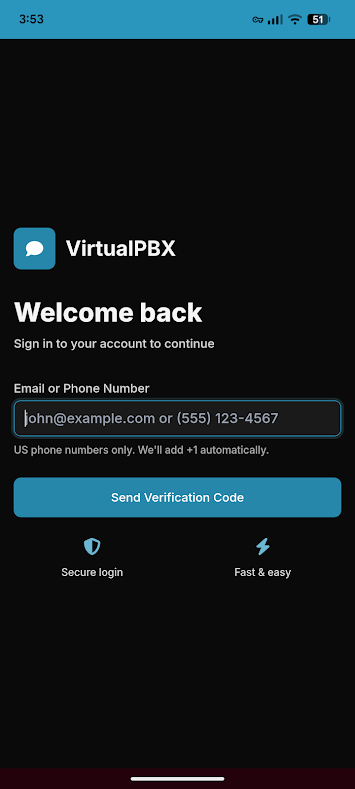
Once downloaded, log in to the application with your associated email or phone number
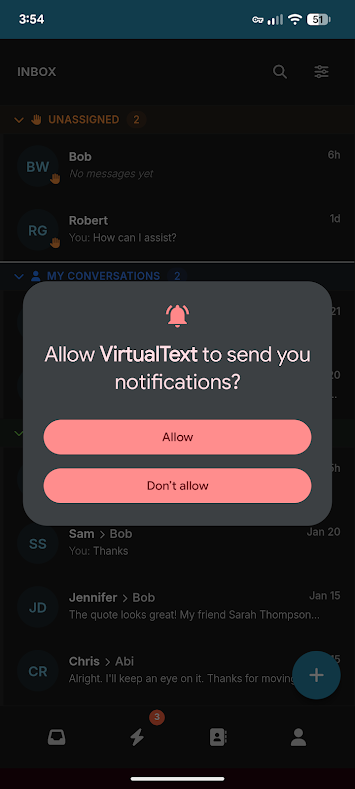
Once logged in, VirtualText will ask to send you notifications. Allow or Deny through the pop-up request
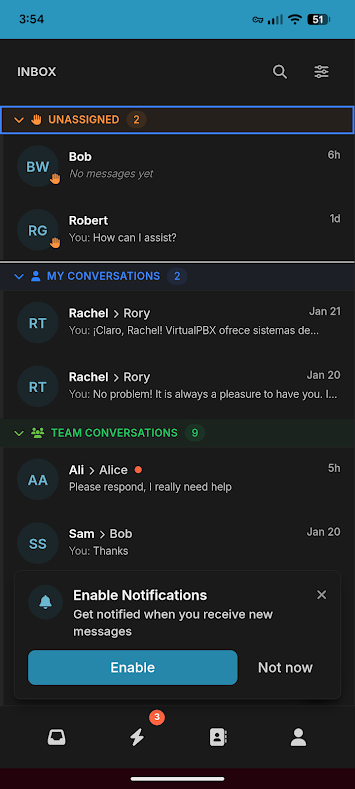
Once logged in, you are ready to send and receive conversations through your mobile device
New to VirtualText?
Try it free before you commit.
Start a VirtualText free trial — SMS and webchat included, plus shared inbox and Core AI.
Still need help?
Our support team is available Monday–Friday, 6 AM – 6 PM PST.